MeetBG
Free Halloween Zoom Backgrounds
Direct HD downloads — no editor, no account, no watermark. Click, save, upload to Zoom. That's the whole tutorial.
⚡ Zero-click direct download🚫 No Canva-style editor required📥 JPG + PNG both included🆓 Free for work calls
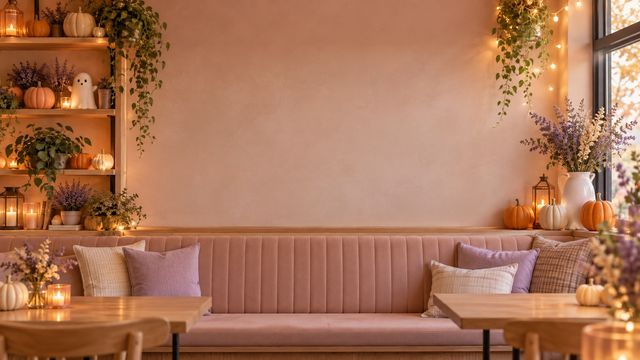 CUTE
CUTEPink Pumpkin Café1920×1080
 CUTE
CUTEPastel Ghost Living Room1920×1080
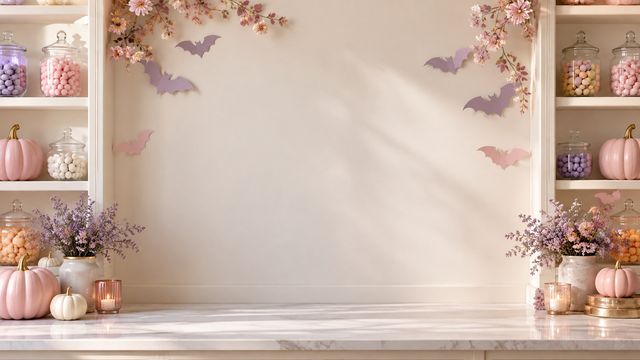 CUTE
CUTECandy Pumpkin Studio1920×1080
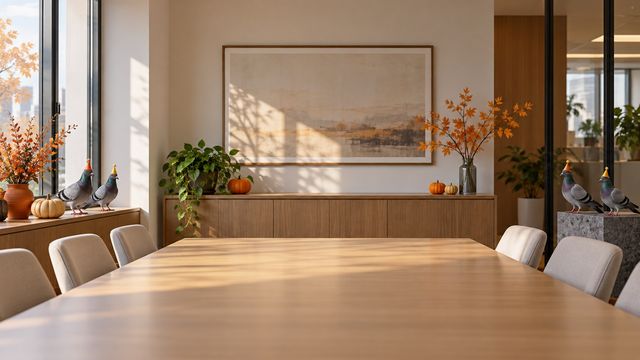 FUNNY
FUNNYPigeon Office Party1920×1080
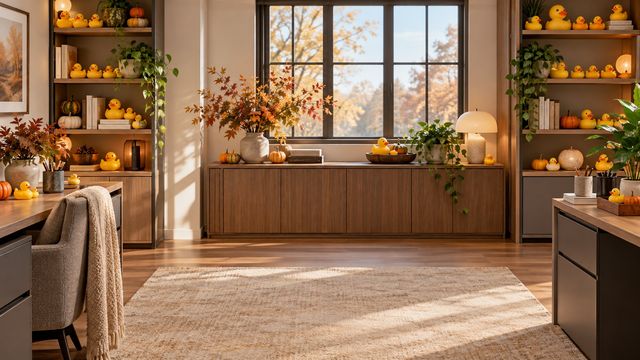 FUNNY
FUNNYRubber Duck Desk1920×1080
 FUNNY
FUNNYDinosaur at the Copier1920×1080
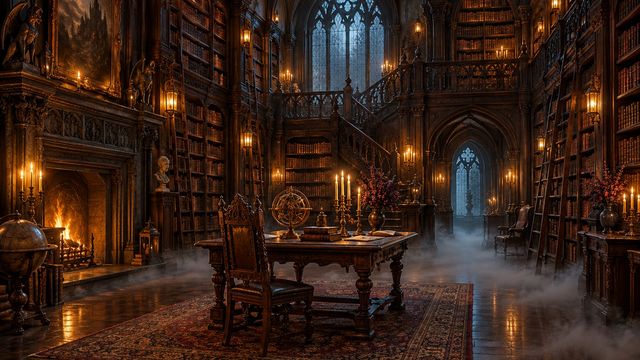 SPOOKY
Victorian Library1920×1080
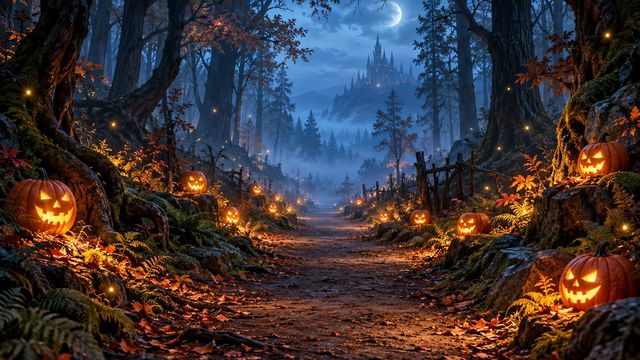 SPOOKY
Pumpkin Forest Path1920×1080
 SPOOKY
Glowing Mushroom Greenhouse1920×1080
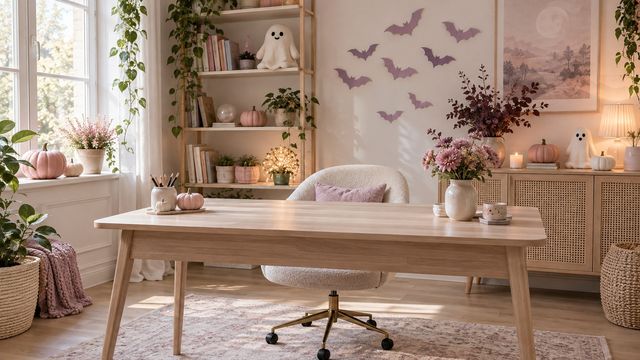 CUTE
CUTEPastel Home Office1920×1080
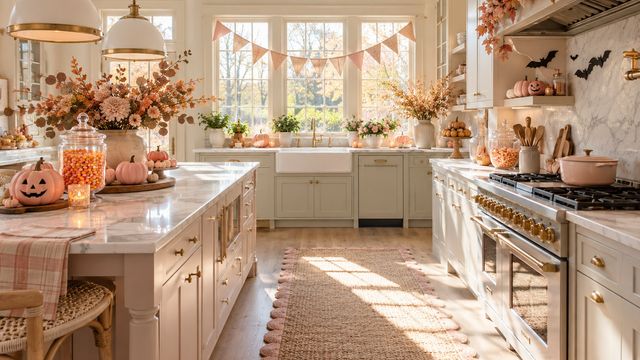 CUTE
CUTECandy Corn Kitchen1920×1080
 FUNNY
FUNNYCat Boss Desk1920×1080
 FUNNY
FUNNYOctopus Reception1920×1080
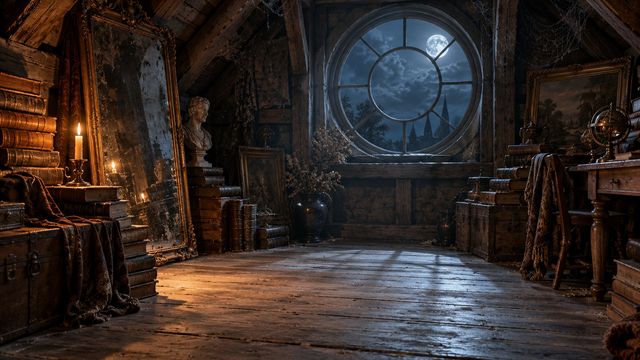 SPOOKY
Spooky Attic Study1920×1080
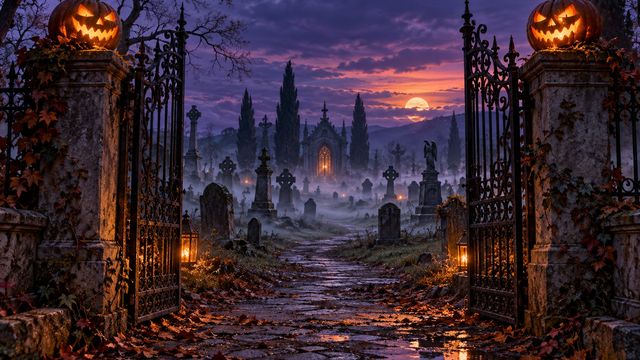 SPOOKY
Graveyard Gate at Dusk1920×1080
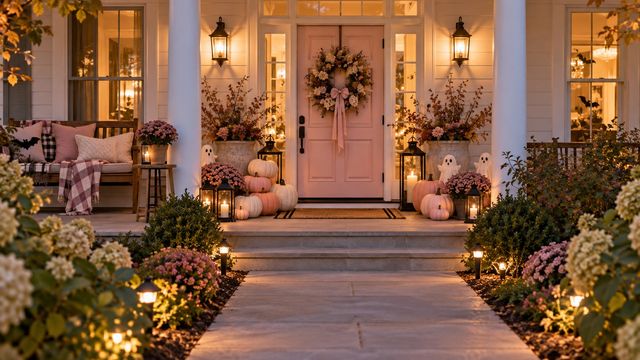 CUTE
CUTEPumpkin Front Porch1920×1080
 CUTE
CUTEGhost Book Nook1920×1080
 CUTE
CUTEPink Potion Shelf1920×1080
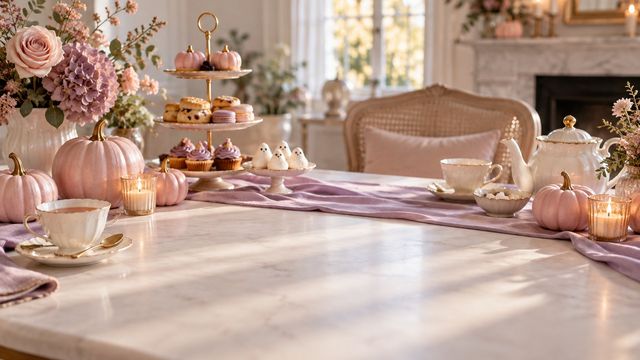 CUTE
CUTEPumpkin Tea Table1920×1080
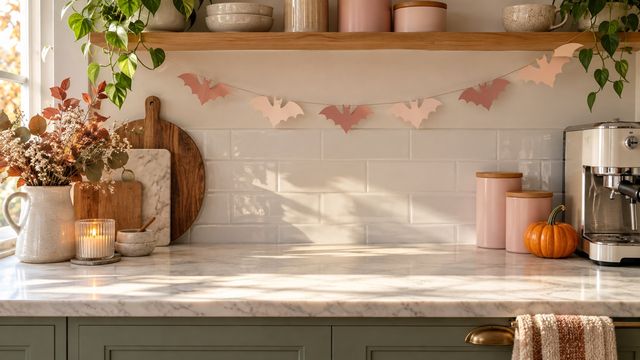 CUTE
CUTEBat Garland Coffee Bar1920×1080
 FUNNY
FUNNYSloth Box Mover1920×1080
 FUNNY
FUNNYGoat Paper Snack1920×1080
 FUNNY
FUNNYPenguin Coffee Queue1920×1080
 FUNNY
FUNNYHamster Meeting1920×1080
 FUNNY
FUNNYGiraffe Over the Cubicle1920×1080
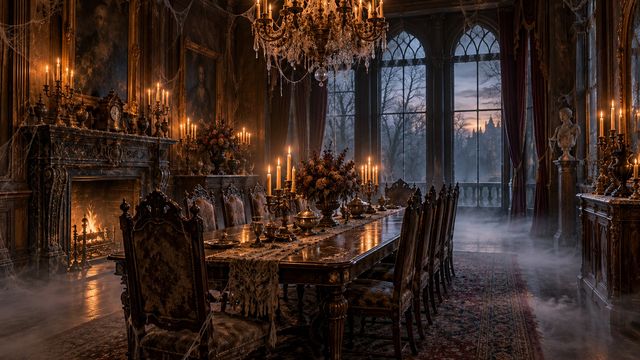 SPOOKY
Haunted Dining Room1920×1080
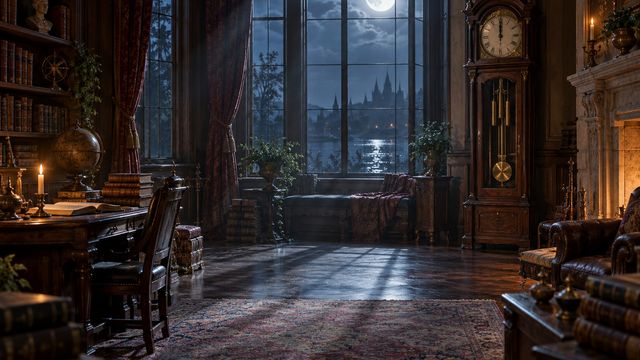 SPOOKY
Midnight Clock Room1920×1080
 SPOOKY
Lantern Cellar Stairs1920×1080
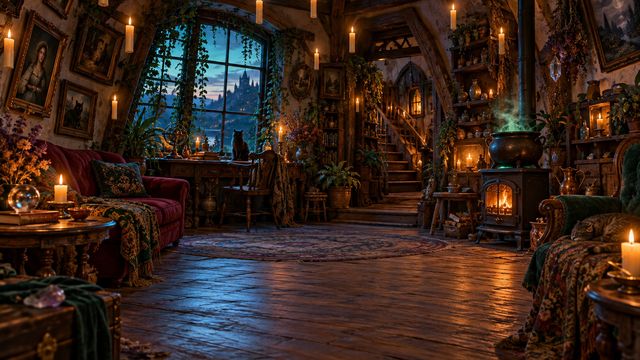 SPOOKY
Floating Candle Parlor1920×1080
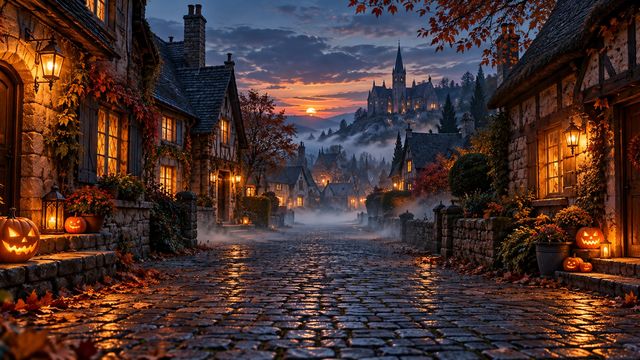 SPOOKY
Misty Village Street1920×1080
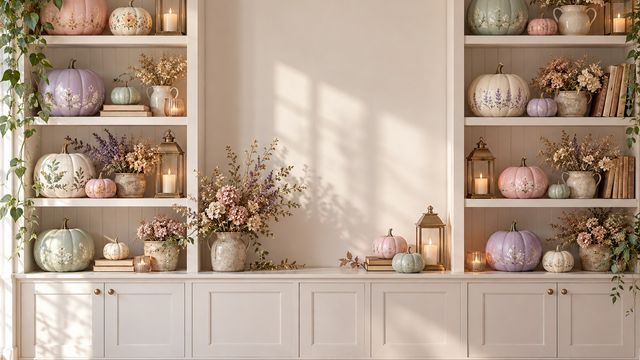 CUTE
CUTEPastel Pumpkin Shelf Wall1920×1080
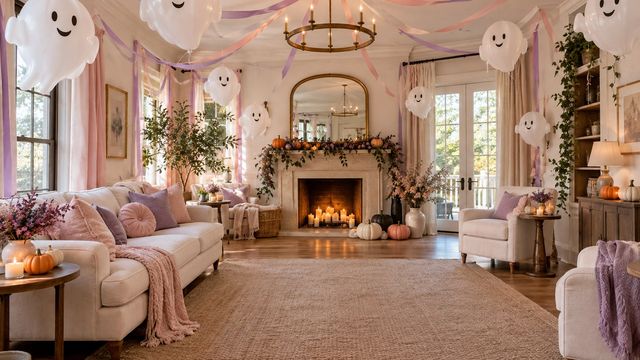 CUTE
CUTEGhost Balloon Party Room1920×1080
 CUTE
CUTEPumpkin Macaron Bakery1920×1080
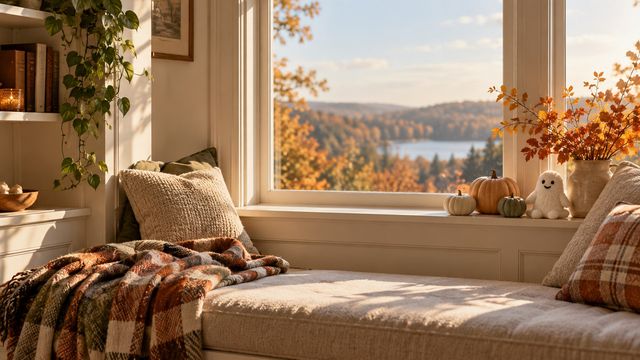 CUTE
CUTECozy Pumpkin Window Nook1920×1080
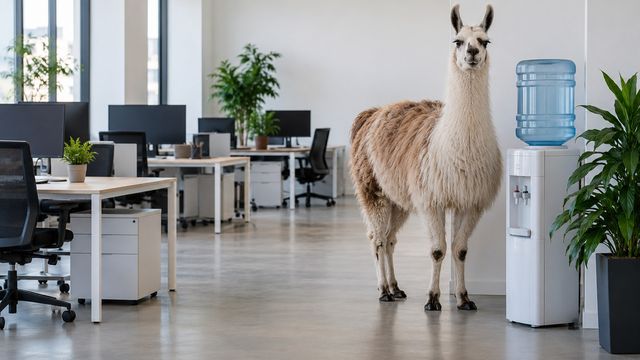 FUNNY
FUNNYLlama at the Water Cooler1920×1080
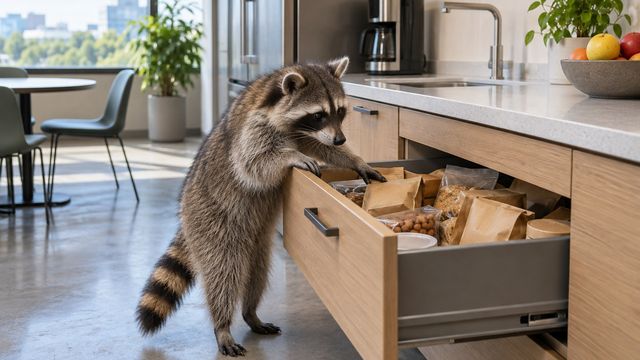 FUNNY
FUNNYRaccoon Snack Drawer1920×1080
 FUNNY
FUNNYAlpaca on a Video Call1920×1080
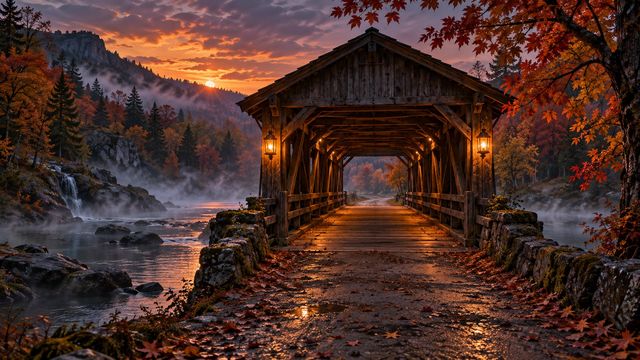 SPOOKY
Covered Bridge at Dusk1920×1080
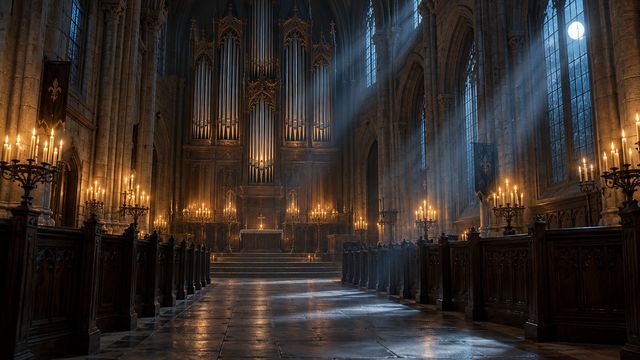 SPOOKY
Chapel Pipe Organ1920×1080
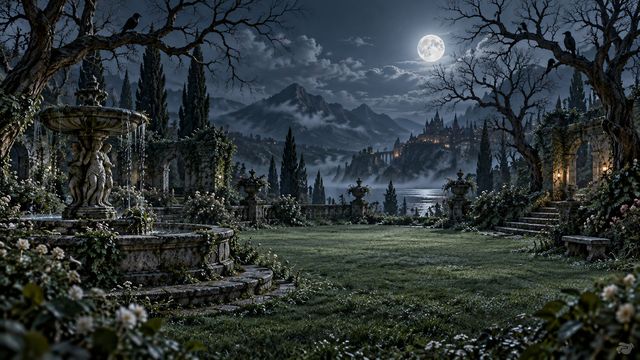 SPOOKY
Crow Garden at Moonlight1920×1080
Why MeetBG instead of template editors?
✗ Template sites make you open an editor, place a pumpkin sticker, export, then upload.
✗ Stock sites watermark free downloads or push you into trials.
✓ MeetBG files are finished designs — one click and the JPG is yours.
✓ Generated in-house: zero copyright risk for business calls.
Zoom setup, the short version
1. Download any background below — no signup.
2. In Zoom: Settings → Background & Effects → Virtual Backgrounds → + Add.
3. Pick the file. Zoom remembers it for every meeting.
Full walkthrough with screenshots → our Teams & Zoom guide